Your presets. Everywhere you work.
PresetSync Cloud keeps your preset library synchronized across your Mac and Windows computers, automatically and securely.
Save a preset in the studio, update it on your laptop, or reorganize a collection, your changes follow you everywhere, without copying files, managing cloud folders, or rebuilding your setup on every machine.
One preset library. Always available. Always in sync.

Choose a Plan

- 10GB Storage for Presets
- Up to 3 computers!
- Recurring monthly payment
- Up to 100 MiB file size
- Cancel any time
18% Discount
- 10GB Storage for Presets
- Up to 3 computers!
- Recurring annual payment
- Up to 100 MiB file size
- Cancel any time
- 25GB Storage for Presets
- Up to 10 computers!
- Recurring monthly payment
- Up to 100 MiB file size
- Cancel any time
-
Requires PresetSync Studio
18% Discount
- 25GB Storage for Presets
- Up to 10 computers!
- Recurring annual payment
- Up to 100 MiB file size
- Cancel any time
- Requires PresetSync Studio
Not another cloud drive
Your Presets, Synchronized Automatically
PresetSync Cloud is the managed synchronization service built specifically for PresetSync.
It keeps your preset collections synchronized across your Mac and Windows computers, without requiring you to configure cloud folders, manage storage locations, or adapt your workflow around a general-purpose expensive cloud service.
PresetSync knows where each preset collection belongs on every computer. PresetSync Cloud securely handles the transfer between them.
Built for Presets
General-purpose cloud storage moves folders. PresetSync Cloud understands your preset library.
It works together with the PresetSync desktop application to place each collection in the correct location, track synchronization activity, detect changes, and help resolve conflicts across different computers and operating systems.
Available Offline
Your presets remain stored locally and fully available on each computer, even when you are offline.
Continue working without an internet connection. PresetSync will detect your changes and synchronize them automatically the next time your computer reconnects.

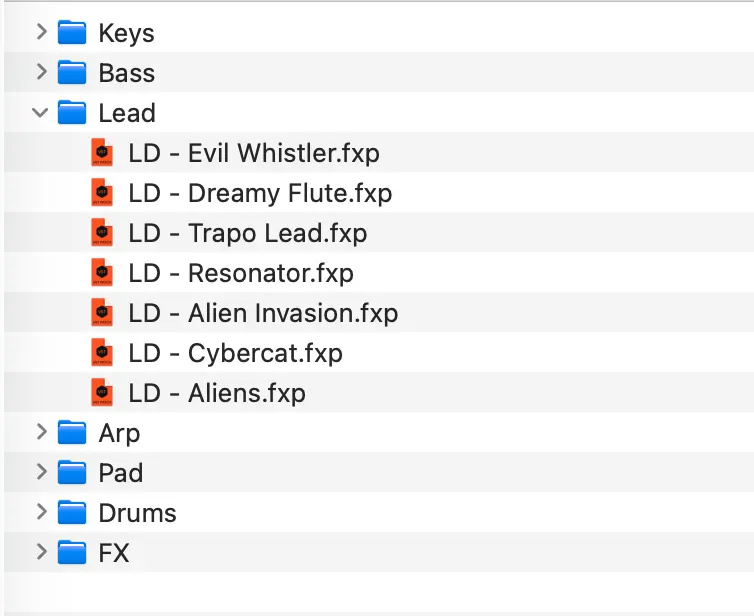
Your Files Stay on Your Computers
PresetSync Cloud synchronizes your collections. It does not lock them inside the service.
Your local files remain on your computers, and cancelling your Cloud subscription does not cancel your permanent PresetSync desktop licence.
One Integrated Workflow
Sign in, select the collections you want to synchronize, and let PresetSync handle the rest.
There are no external cloud accounts to connect, no synchronized folders to configure, and no manual copying between systems.
Your presets remain available where your creative applications expect to find them.
Designed for Creative Workflows
PresetSync Cloud is optimized for the files that support your work: synthesizer presets, effect presets, channel strips, templates, and other creative application data.
Whether you move between a studio computer and a laptop or maintain several production systems, your collections stay organized and synchronized.
Built-In Backup and Recovery
PresetSync Cloud keeps a secure cloud copy of your synchronized preset collections, protecting your library if a computer is lost, damaged, or replaced.
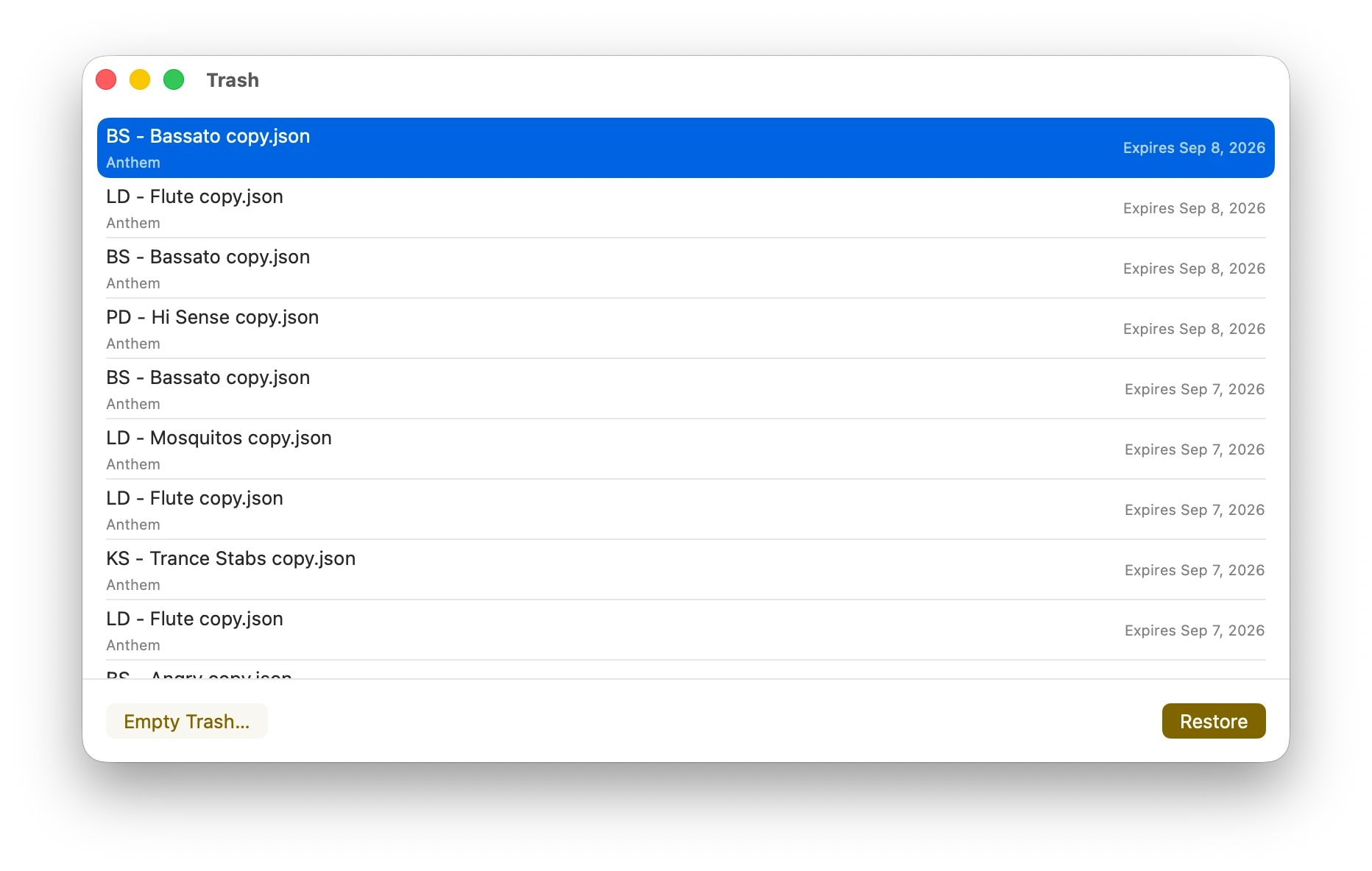
Deleted presets are moved to Trash and retained for 30 days, giving you time to restore files removed by mistake before they are permanently deleted.
Install PresetSync on a new computer, sign in, and recover your collections without rebuilding your preset library manually.