PresetSync Features
Mac & Windows Cross-platform Sync
Keep presets synchronized across multiple Mac and Windows computers, including mixed-platform studio setups.
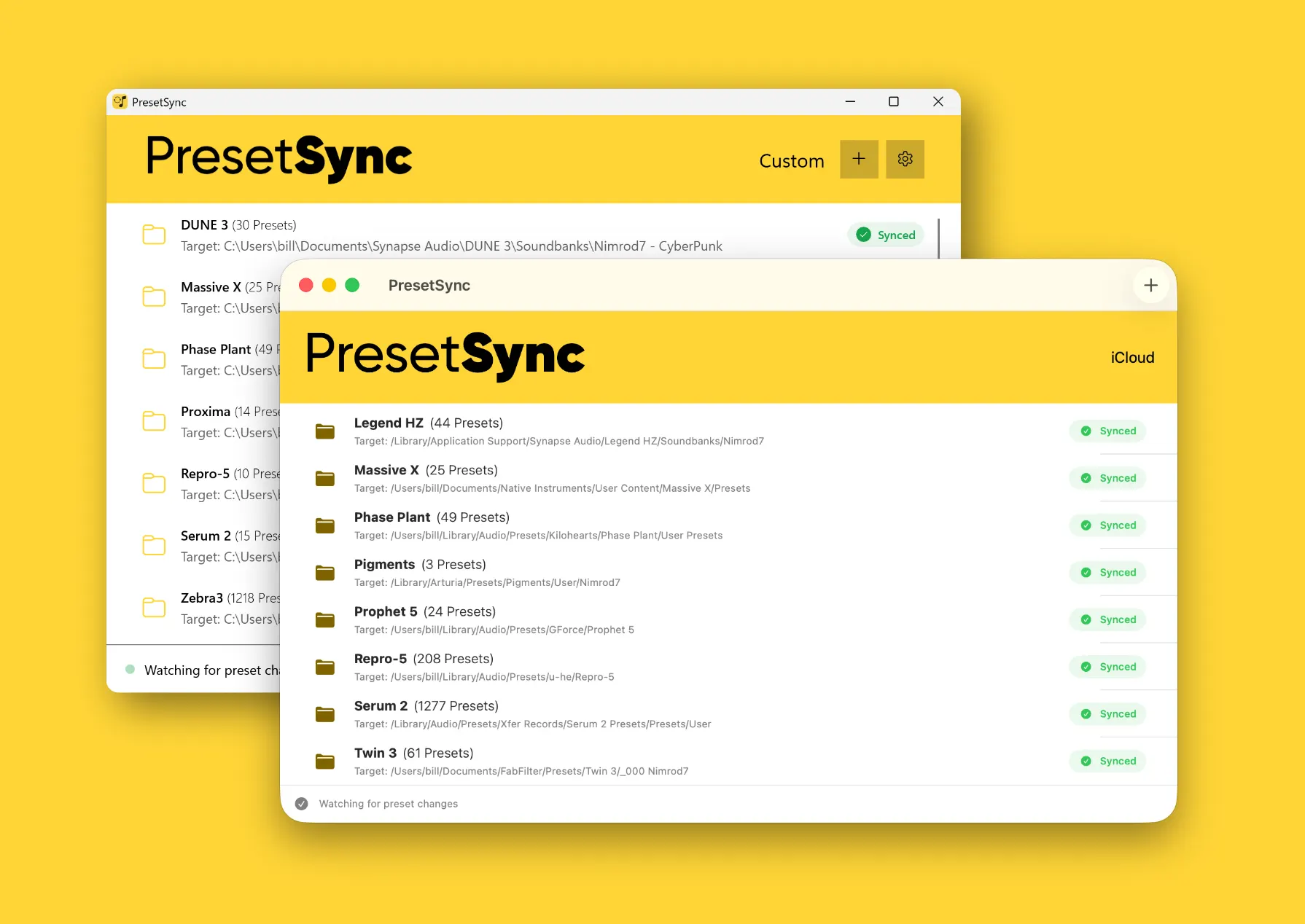
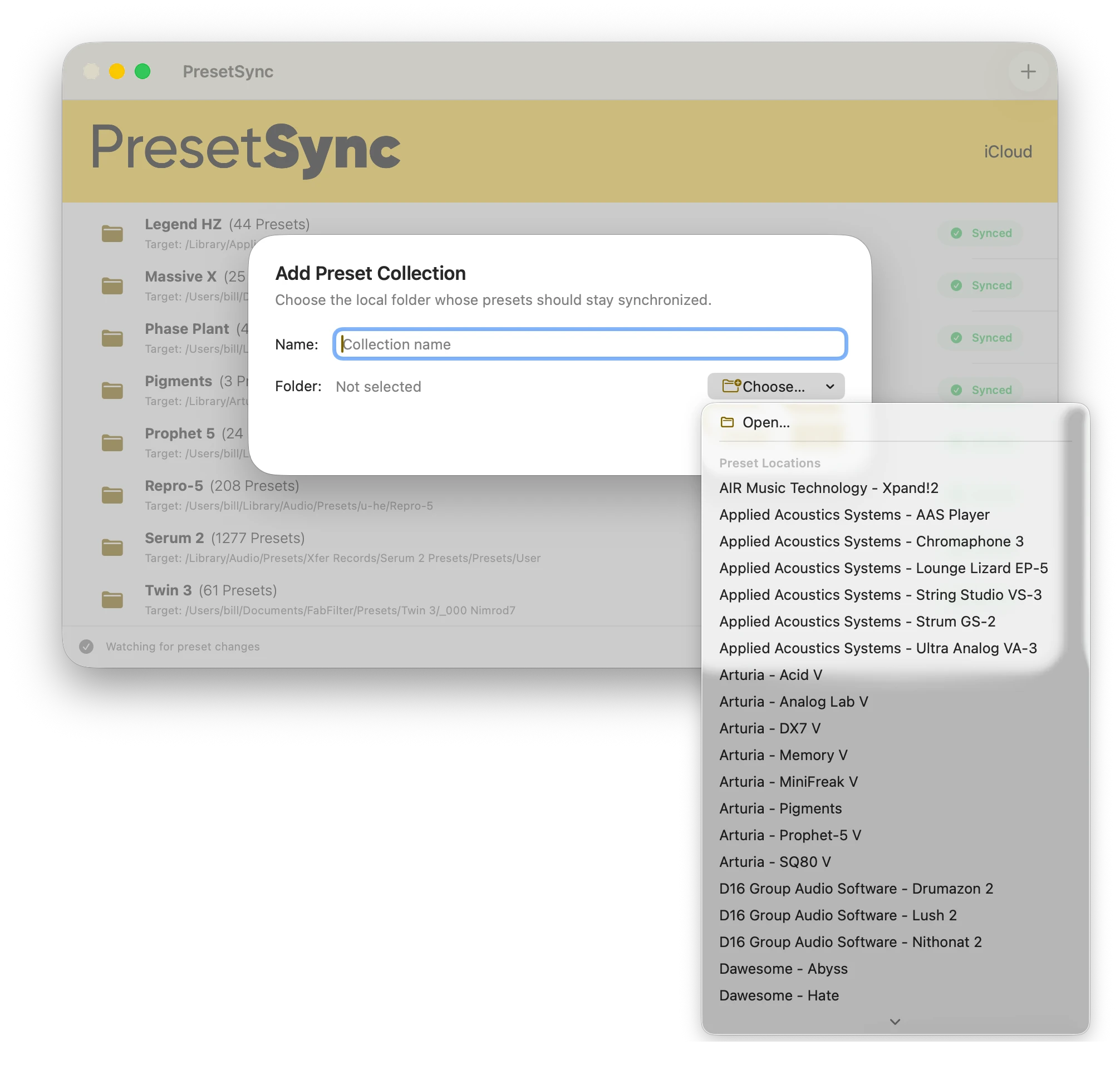
Automatic Synth Detection
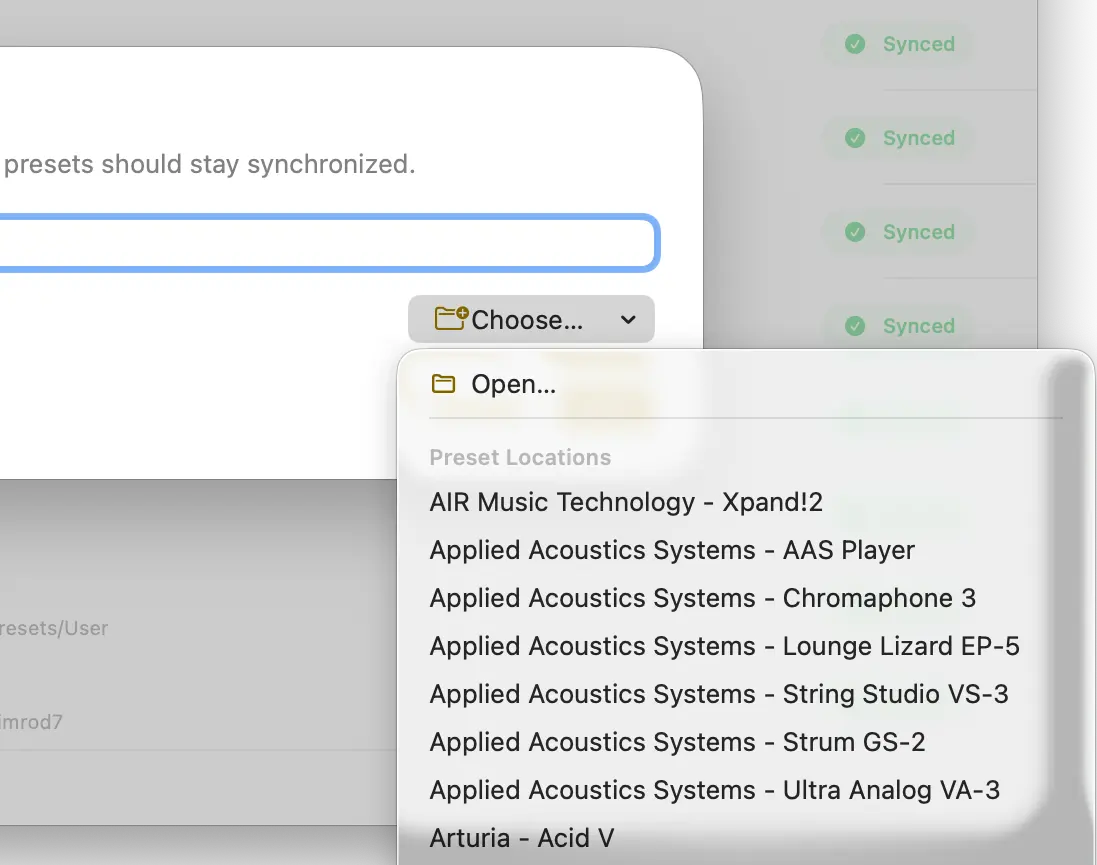
PresetSync automatically detects installed synthesizers and locates their preset folders for you. More than 200 popular synthesizers are supported, with additional plugins added in every release.
If a synthesizer isn’t detected automatically, click Open and select its preset folder.
Supports Synth, Effect Presets and more...
Synchronize presets from synthesizers, virtual instruments, effects, audio processors, DAW channel strips, and other creative tools in one place.

Broad Plugin Compatibility
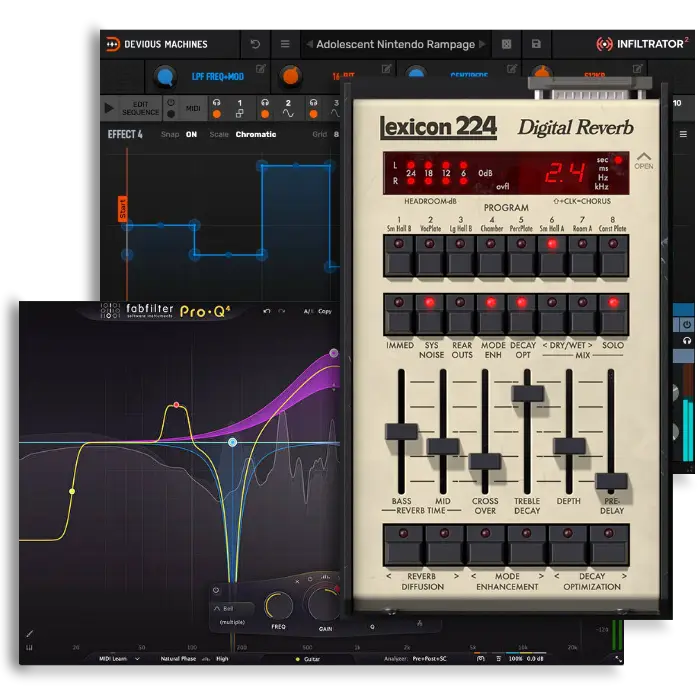
PresetSync works with the majority of popular synthesizers and effects. Plugins do not require a dedicated PresetSync integration.
Custom Folder Sync
Add any folder you need, including custom preset libraries, channel strips, templates, samples, user banks, or application-specific files.
DAW Independent
PresetSync works outside your DAW, so your libraries remain synchronized regardless of whether you use Logic Pro, Ableton Live, Cubase, Pro Tools, or another workstation.
As long as the DAW doesn't have an internal database, it's supported.
Product names, logos, brands, and other trademarks are the property of their respective owners.
Conflict Resolution
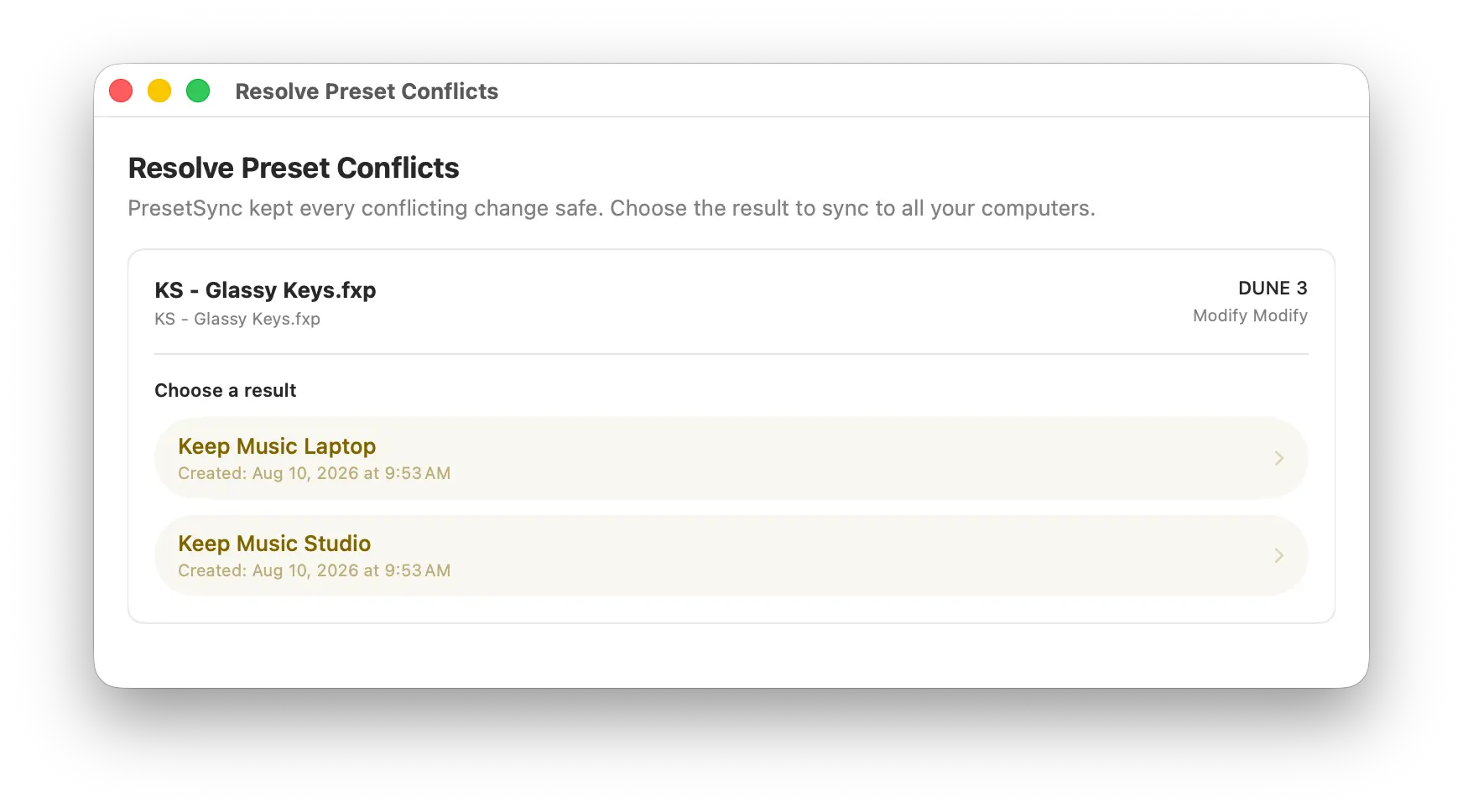
When the same preset changes on different computers, PresetSync detects the conflict and preserves both versions instead of silently overwriting your work.
Plugin Independent
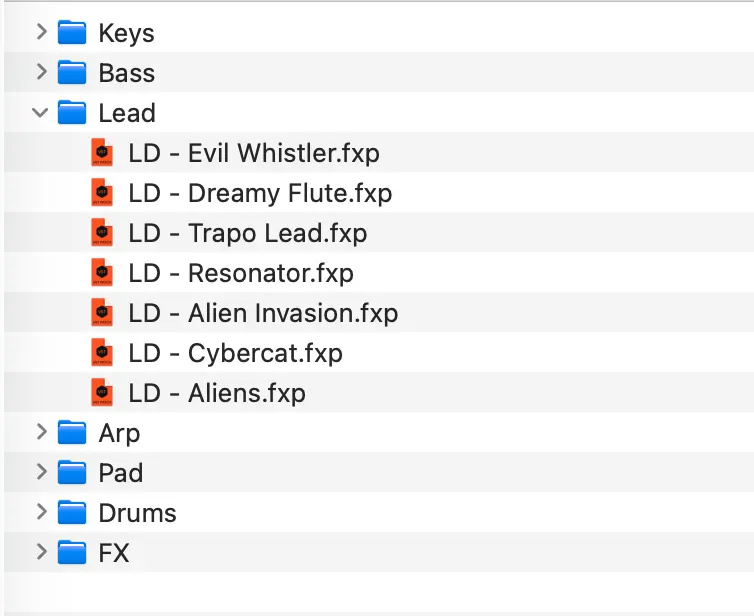
PresetSync synchronizes the underlying files and folders, so it is not tied to a specific synthesizer, effect, plugin format, or software vendor.
Backup & Trash Recovery
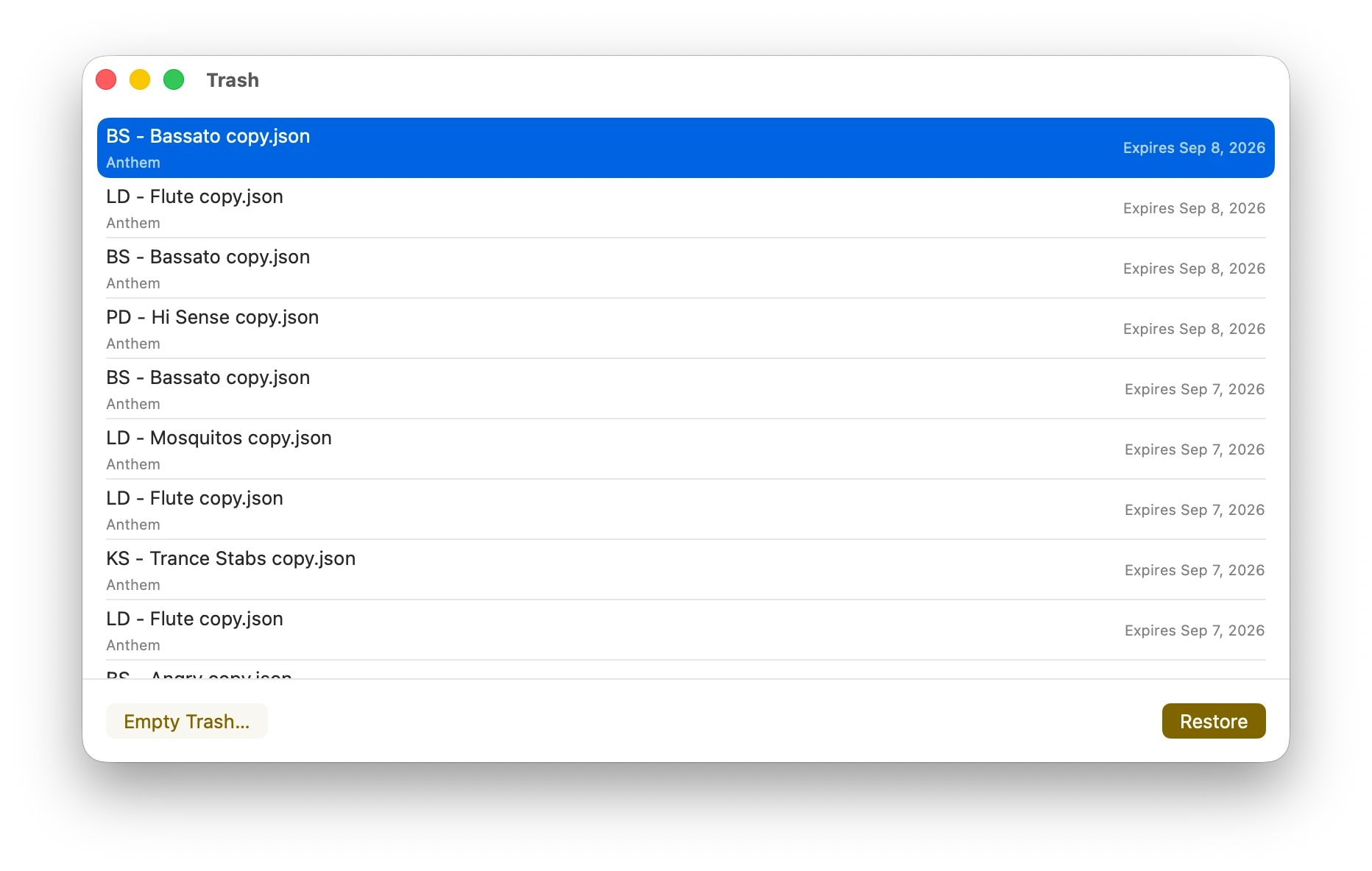
Accidentally deleted a preset or an entire folder? PresetSync keeps deleted items in Trash so you can recover them instead of losing them permanently.
Trash recovery works whether you synchronize with PresetSync Cloud or a compatible cloud drive, giving you an extra layer of protection against accidental deletion.
Light or Dark. Your Choice.
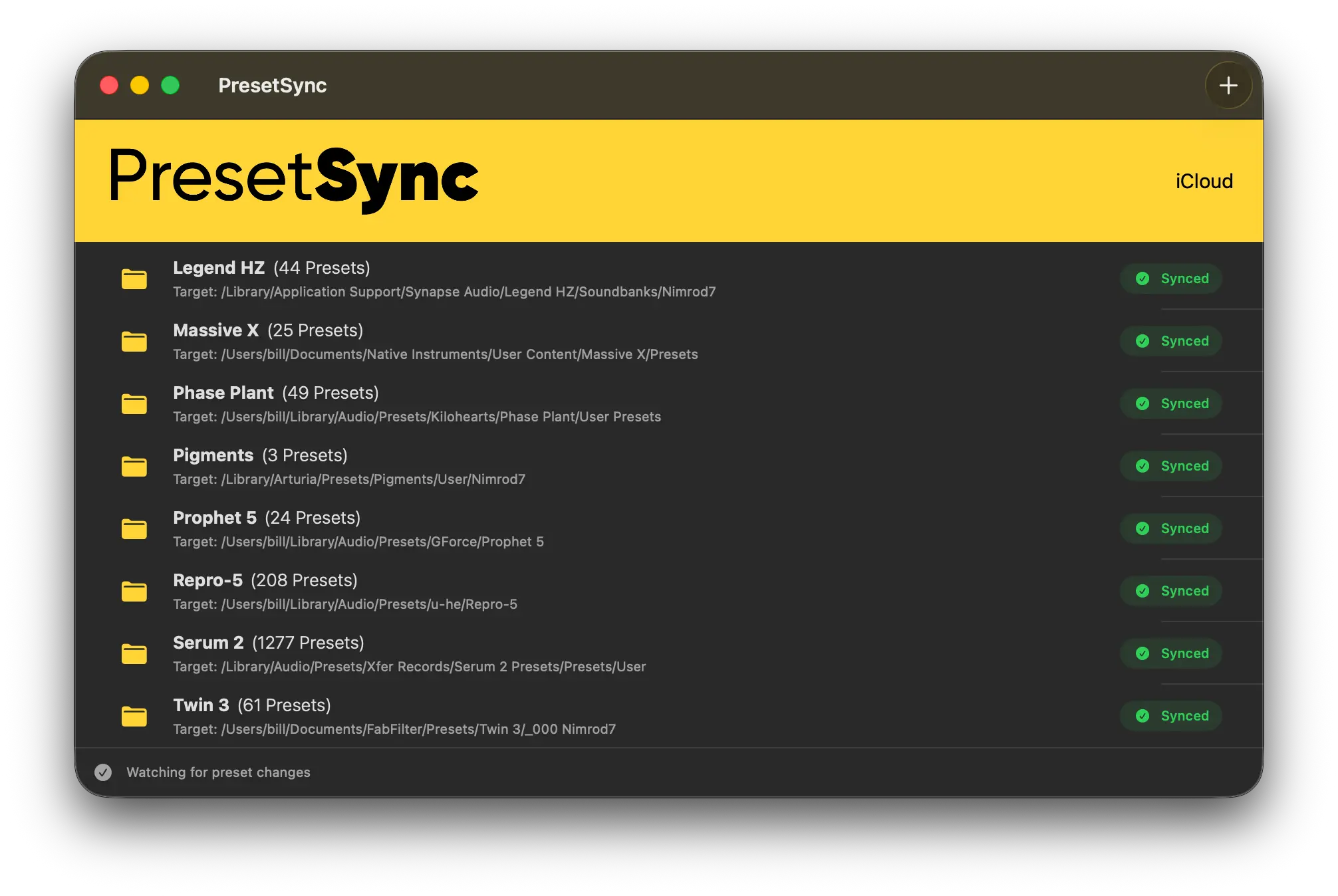
PresetSync fits naturally into your workspace, whether you prefer a bright interface during the day or a darker environment in the studio.
Switch between Light and Dark themes to match your setup, your surroundings, or simply the way you like to work.
Quietly Working in the Background
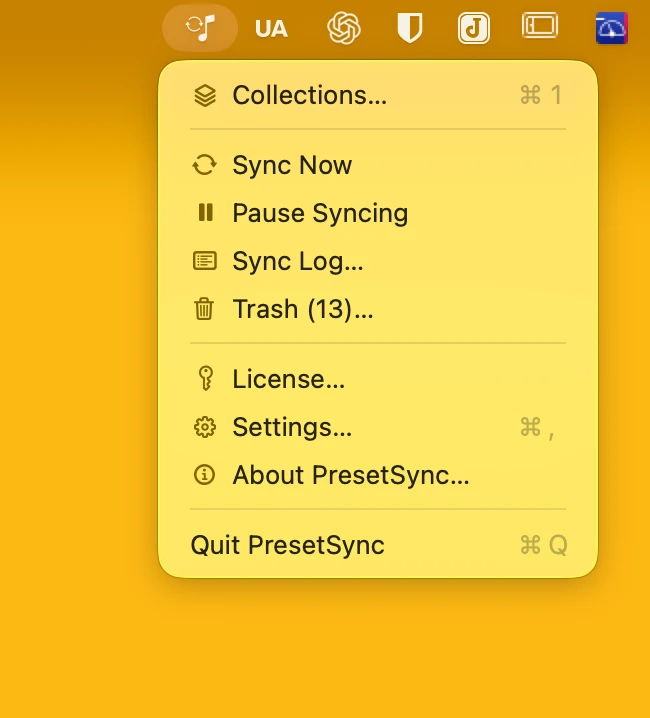
PresetSync lives in the Windows taskbar or macOS menu bar, quietly keeping your presets synchronized without getting in the way.
It uses minimal system resources, requires no constant attention, and stays out of your workflow while your files remain up to date.